Colly vs AppSheet
- Wojciech Szczepanik
- Tool Comparisons
- 04 Apr, 2025
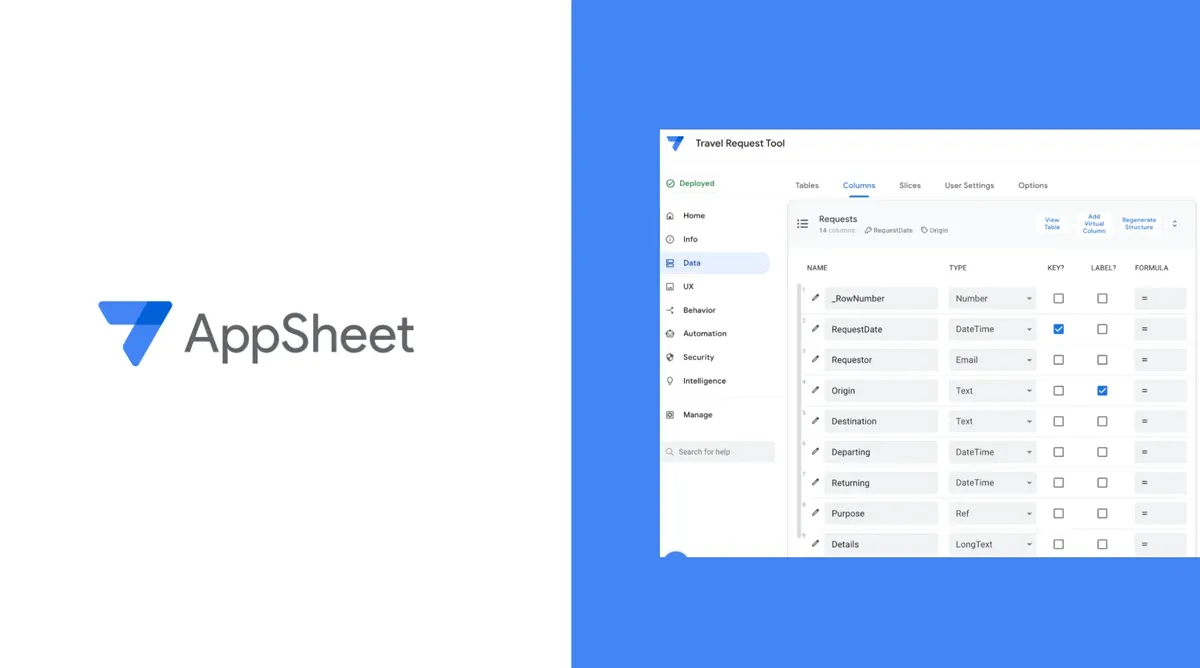
In this article, we will present the pros and cons of our solution versus applications created in AppSheet - a creator available as part of the Google Workspace package. We have experience in creating such applications, so this article is not pulled out of thin air.
➖ Cons
Let’s start with the cons.
It is a creator - you must first build your app yourself
Let’s start with a mundane detail. In AppSheet, you must first build your application using the creator. This requires knowledge of the platform itself and IT basics to deliver a working product. There is no guarantee of success.
Immutable interface - no possibility to adapt to the worker’s needs
This is the most frequently cited disadvantage visible to the naked eye. In AppSheet, you do not have full control over the look of the application.
- No possibility to change the predefined appearance: You cannot freely move buttons, change sizes or colors of each element. You are limited to the templates offered by AppSheet (table, card, map, calendar views, etc.).
- Interface clunkiness: Applications look functional and “office-like”, but rarely comfortable for the end user - a field worker who often needs a tailored interface to support their work.
Architecture
AppSheet is not built with supporting critical business processes in mind.
- Synchronization Mechanism: AppSheet operates based on a local copy of data on the device. Every change requires “synchronization” with a spreadsheet. This is a seemingly convenient solution, but lacks the “safety valves” typical of real databases. This results in synchronization problems and the possibility of data loss.
Many departments - many applications - multiplying maintenance costs
If you have many departments in your company that need data separation or differ slightly in operation, you have to copy the application.
- Maintenance complexity: If you need to make a change in the application logic, you have to make it in each copy separately. This generates maintenance costs and the risk of error.
Rigid and variable pricing - lack of certainty in business continuity
AppSheet’s payment model is specific and can be a barrier.
- Payment per user (Per User): You pay for every active user of the application. If you have a company with 50 workers who use the application once a month, you still have to pay for 50 licenses. Negotiations with Google as a small SME from Poland are almost impossible.
- Scale is unprofitable: If you want to make an application for external clients (e.g., guests), the “per user” model is financially deadly.
- Price jump: Moving from the “Core” plan to “Enterprise” (required for SQL databases or advanced security) involves a large jump in costs.
Development and Maintenance
Even though it’s “No-Code”, creating complicated logic can be difficult.
- Difficult debugging: When something doesn’t work, you can’t look into every corner of the application (code). You are dependent on the platform’s capabilities, which are limited (also by the plan).
- Vendor Lock-in: You cannot export an application created in AppSheet. You won’t get the source code. If Google closes the service or drastically changes the pricing, you are locked – you must build the application from scratch on another platform.
- Publication in stores: While theoretically you can publish an application in Google Play/App Store (as a so-called whitelabel), it is a complicated process, additionally paid, and rarely used. Users usually have to install the main “AppSheet” application to use yours.
➕ Pros
Speed of prototype implementation
This is AppSheet’s greatest advantage. If you need a simple application for data collection, you can create it in a few hours.
- Pareto Trap (80/20): However, it’s worth noting that it may only be a prototype or an 80% ready application, where adding the missing 20% may be impossible or very difficult.
Summary
In our experience, AppSheet is a good tool for starters. Creating an application prototype in AppSheet is very fast and simple, but if you need more advanced features or continuous innovation, it’s worth considering specialized products.
We still use AppSheet for prototyping. If you’re thinking about an industry module that we don’t support, we can create a prototype for you for free. If you like it - we move to standard development, which will not be limited by the platform’s capabilities.